A guide to Specialist Reviews
Eleven design specialists, what each one looks for, how credits are charged, and how to read the findings — a practical guide to running Specialist Reviews on a game design doc.
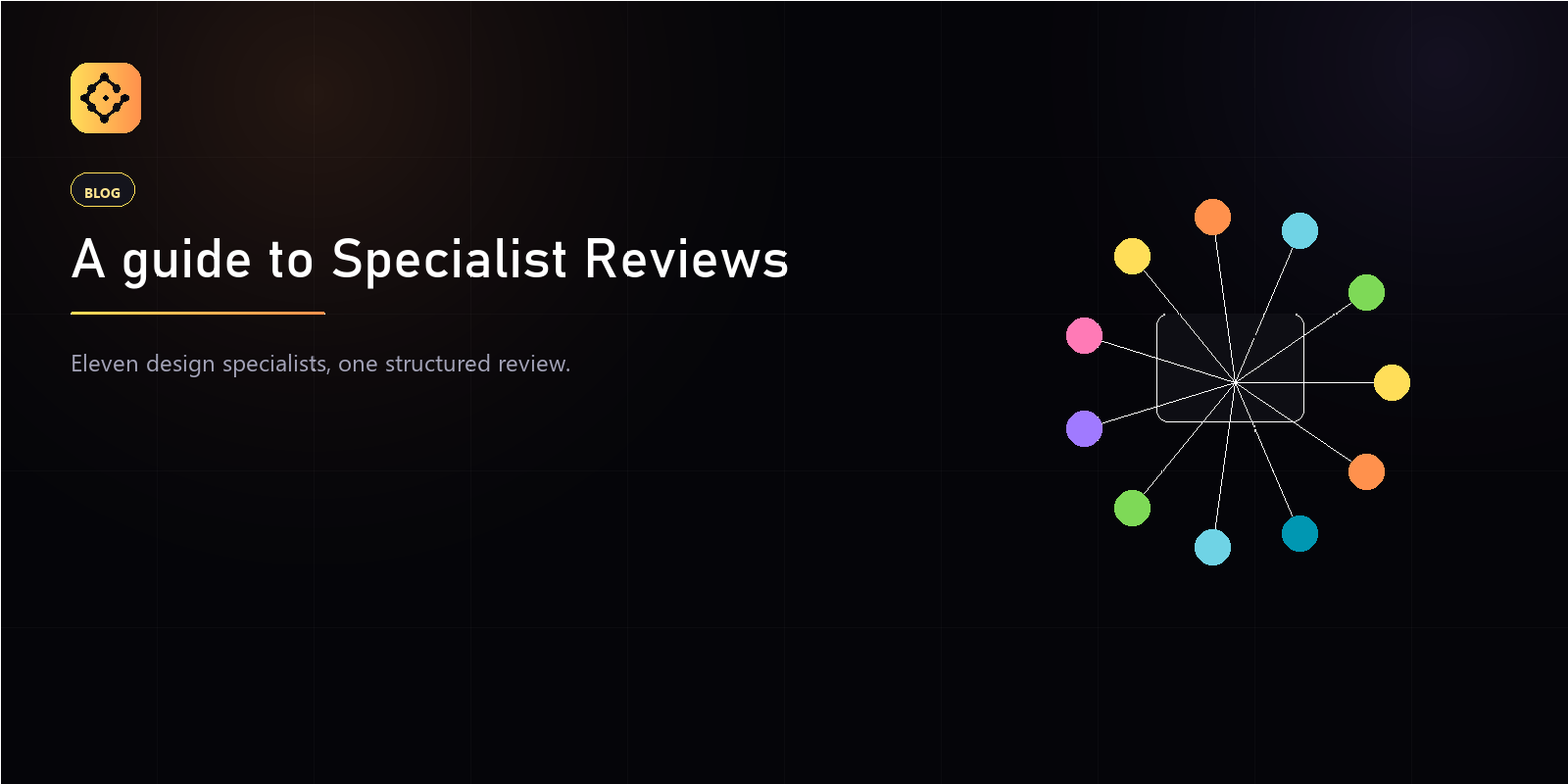
A Specialist Review runs your design doc past a roster of eleven design roles and returns what each one would flag — gaps, contradictions, edge cases — as a structured list of findings. It is not a rewrite and not a grade. It is a second pass from eleven angles you would otherwise have to find eleven people for.
Who are the eleven specialists?
Each specialist reviews through one discipline’s lens:
- Game Designer — core loop and systems.
- Level Designer — space, pacing, and flow.
- Narrative Designer — story, character, and voice.
- UI Designer — information and hierarchy.
- UX Designer — feel, friction, and first-time experience.
- QA Tester — edge cases and bugs.
- Producer — scope, risk, and schedule.
- Technical Artist — shaders, performance, and pipeline.
- Game Programmer — architecture and performance.
- Audio Engineer — soundscape and mix.
- 2D / 3D Artist — style, fidelity, and mood.
You pick the ones that matter for the doc in front of you. A combat encounter wants the Game Designer, Level Designer, and QA Tester; a cutscene wants the Narrative Designer and Audio Engineer.
What does a finding look like?
Findings are concrete and scoped to the doc. A QA Tester finding reads like a repro note; a UX Designer finding cites a friction point. For example, a Game Designer might flag: “Damage falloff at 12m feels punishing for the SMG class — most engagements are mid-range; consider a softer curve from 8–14m.” You decide whether to act on it.
How much does a review cost?
Specialist Reviews are charged in credits, per specialist:
- A standard review costs 100 credits per specialist.
- Running three specialists on one doc is 300 credits.
- Credits are reserved before the call is dispatched, and a failed upstream call refunds the held credit in full — you are never billed for a review that did not return.
How many reviews does my plan include?
Every plan ships a monthly credit allotment:
- Solo — 300 credits a month (three standard specialists).
- Indie — 1,000 credits a month.
- Studio — 5,000 credits a month.
- Enterprise — 20,000 credits a month.
Pick specialists deliberately and the Solo plan covers a real workflow; a studio running every doc past the full roster will want a higher tier.
How do you get the most out of a review?
- Review concrete design, not stubs — the specialists reason about what is actually written.
- Run the review against a saved version so the finding is anchored to a specific point in the doc’s history.
- Treat findings as a checklist, not a verdict. The reviewer still merges; the specialists only point.
Does running a review change my document?
No. A Specialist Review reads a version and writes findings. It never edits your doc, never commits a new version, and never merges. The authorship — and the final call — stays with you.