Exporting docs and sharing vaults
Export any document version to Markdown, JSON, CSV, PDF, or Word, and share a vault with a stable link. What each format is for, which need a paid plan, and how share links work.
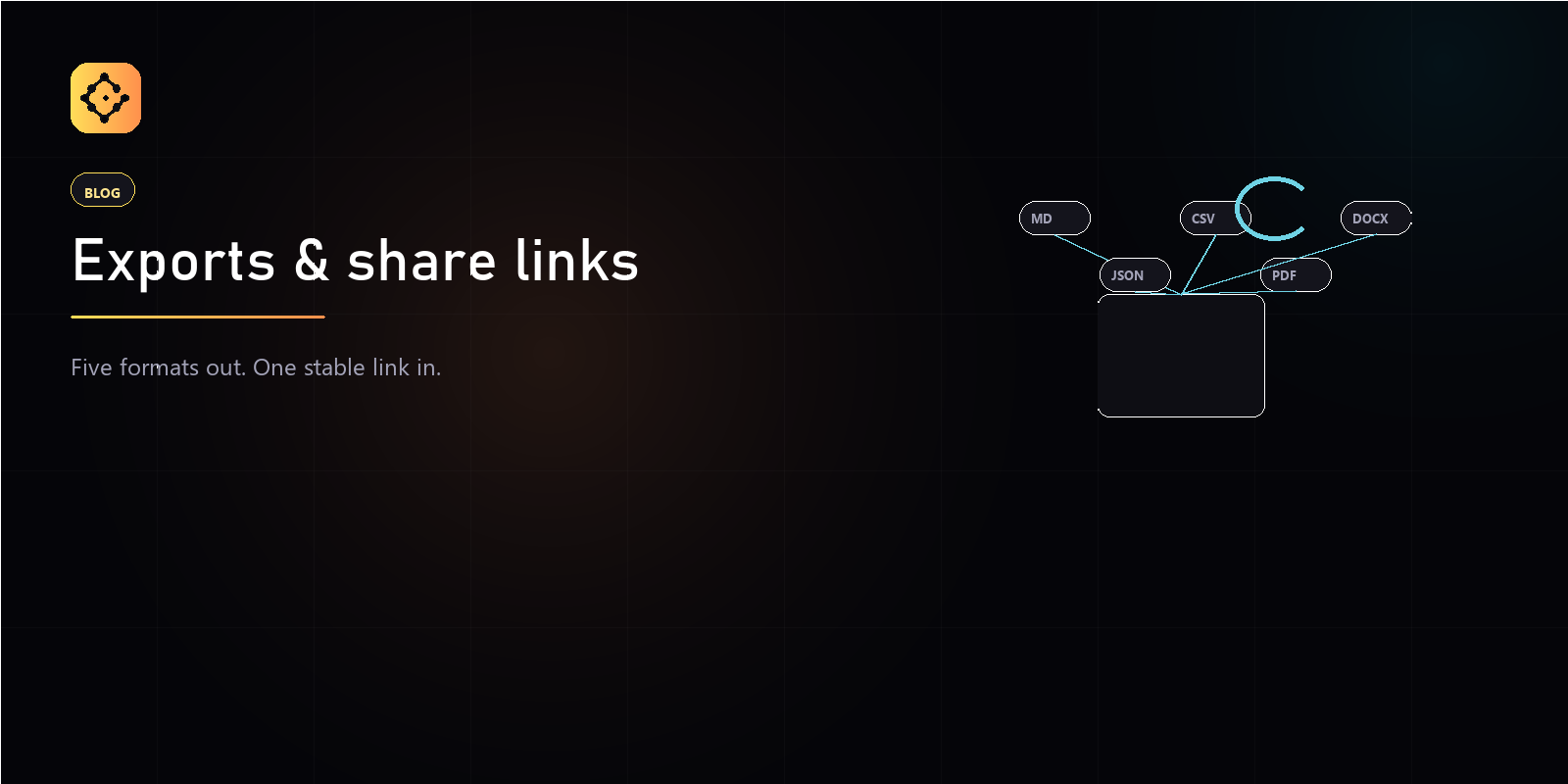
Gameframe exports any document version to five formats and gives every vault a stable share link. Exports turn a versioned doc into a file you can hand off; the share link is a permanent address for a vault that you can drop into a wiki, a ticket, or a message. This guide covers both.
What formats can you export to?
Every export targets a specific document version, so the file always reflects an exact point in the doc’s history.
- Markdown (.md) — the raw text, portable anywhere.
- JSON — structured output with version metadata, content, and extracted entities, for tooling and pipelines.
- CSV — a spreadsheet export. This one is spreadsheet-only; a non-spreadsheet doc returns a clear error rather than a broken file.
- PDF — a templated, presentation-ready document.
- Word (.docx) — an editable Word document for stakeholders who live in Office.
Which exports need a paid plan?
Markdown, JSON, and CSV are free on every plan, including Solo. PDF and Word are the paid-tier exporters — unlocked on Indie, Studio, and Enterprise. Trying a paid format on the free plan returns a clear “payment required” response, not a silent failure.
What about PDF templates?
PDF export runs through a template picker. This version ships one
template, default, and the picker is built so additional templates
can be added later without changing how you export. If you only need
the document on paper today, default is the one to choose.
How do share links work?
Every vault has a stable, opaque share link of the form
/v/<id>. The link is a permanent identifier for the vault — it does
not change, so it is safe to paste into long-lived places.
- Copy the vault’s share link from the vault.
- Send it to a teammate.
- They open it and land on the vault.
Does a share link make my vault public?
No — and this is the important part. The share link is an address, not a key. Opening it still requires a Gameframe account and membership in that vault: a signed-out visitor is sent to sign in first, and a signed-in visitor who is not a member sees a “vault not available” message rather than the contents. Sharing the link does not grant access; you grant access by inviting people to the vault.
How should you use the two together?
Export when someone outside the workflow needs a file — a publisher, a stakeholder, an archive. Share the link when someone inside the team needs to open the live vault. One produces a snapshot; the other points at the source of truth.