How branches and merge requests work in Gameframe
Prototype a risky design change on a branch, open a merge request, get it reviewed, and merge it back — without ever destabilising the canonical document.
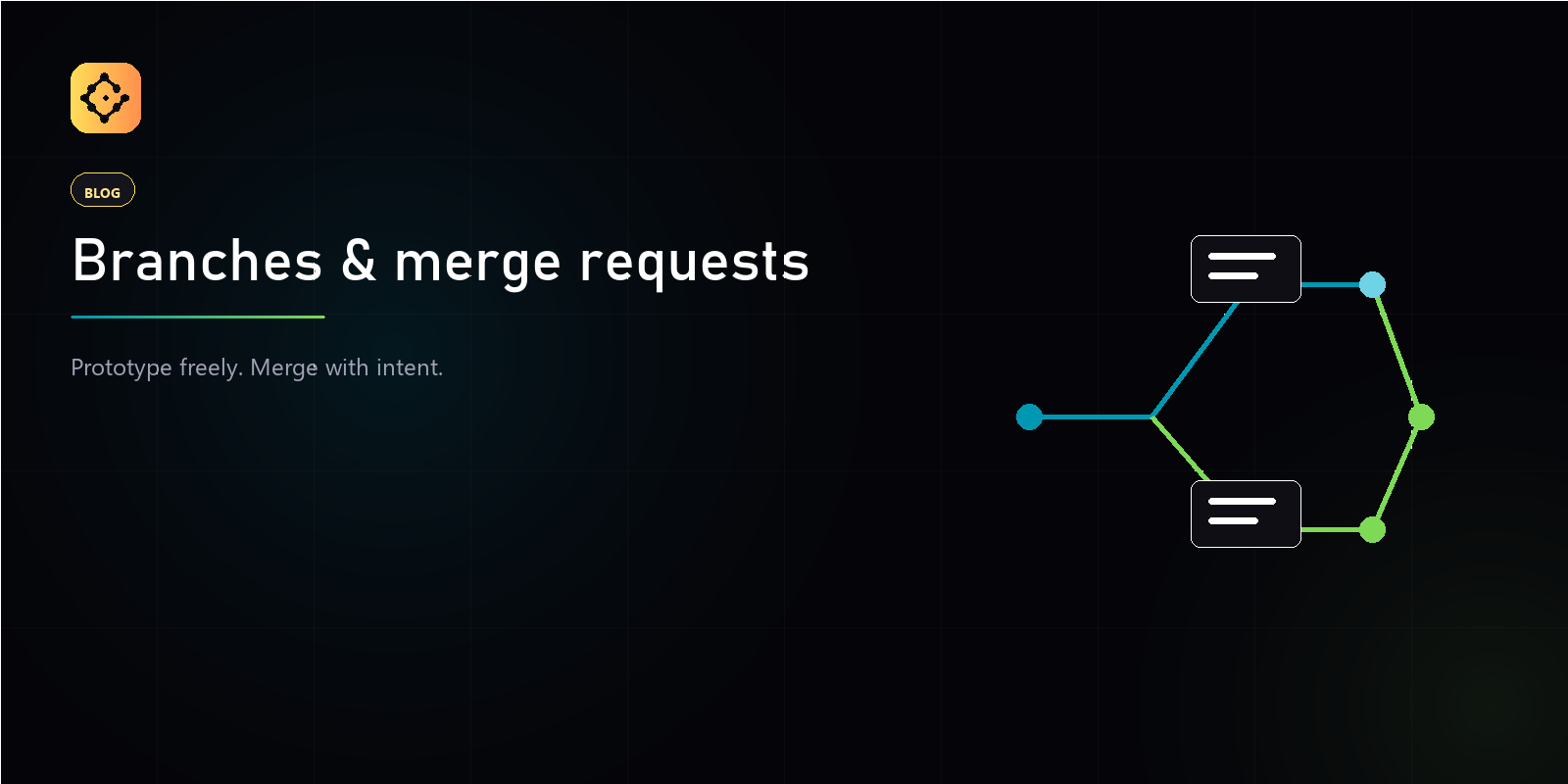
A branch in Gameframe is a named pointer at a version, not a copy of the document. A merge request is a proposal to fold one branch’s changes back into another, with an explicit review and approval step before it lands. Together they let a designer prototype freely while the canonical doc stays stable for everyone else.
When should you open a branch?
Open a branch for any change you are not sure ships: a balance pass, a new mechanic, a narrative arc you want to try without committing the whole team to it.
- Spinning up a branch is cheap — it points at an existing version, it does not duplicate the doc.
- Abandoning a branch costs nothing. No merge, no trace beyond the branch list.
- The canonical branch stays stable, so reviewers compare your work against a fixed reference, not a moving target.
How do you create a branch?
- Open the document you want to fork.
- Create a new branch and give it a descriptive name —
balance/dps-curve,narrative/act-2-rewrite. - Choose the version it branches from. By default it forks the current head.
You now edit and save versions on the branch in isolation. The main branch is untouched until you decide to merge.
What is a merge request for?
A merge request is the moment a speculative change becomes a team decision. It names a source branch and a target, and it carries a title, a description, and optional reviewers. You can open it as a draft while the work is still in progress.
- Open a merge request from your branch back to main.
- Add a title and description so reviewers know what changed and why.
- Add reviewers, or leave it open for anyone with access.
How does review and approval work?
Reviewers compare the source branch against the target and either approve or reject the request. The decision is recorded — a merge request is the audit trail for why a change shipped.
- Approve clears the request to merge.
- Reject sends it back with the reasoning attached.
- If the branches have diverged, Gameframe surfaces the conflict and walks you through resolving it before the merge can complete.
What happens when you merge?
Merging records the change in the vault’s activity log and advances the target branch’s head. The key rule: reverting a merged change creates a new version on top of the current head — never a sideways pointer back in time. History only ever moves forward, so the change record stays honest.
Why not just edit main directly?
You can — for small, safe edits, that is the fastest path. Branches earn their keep on the changes that might not work out. They are the thing that lets a team move fast without anyone breaking the canonical document.