Getting started with Gameframe
A first-session walkthrough — create a vault, write your first design doc, save a version, and run a Specialist Review. From signup to your first reviewed document.
Gameframe is a version-controlled workspace for game design documents. A vault holds your docs; every doc keeps a full version history; and a roster of eleven design specialists can review any version on demand. This walkthrough takes you from an empty account to your first reviewed document.
What do you need before you start?
Nothing but an email address. The free Solo plan needs no card and includes 300 review credits a month — enough for three standard Specialist Reviews while you learn the workflow. Sign up at /signup and you land directly in your vault list.
How do you create your first vault?
A vault is the top-level container for one game’s documents — think of it as the repository for a single project.
- From the vault list, choose New vault and give it a name.
- Open the vault. It starts empty, with one implicit main branch.
- Use New document to add your first doc.
You can keep several vaults — one per game, or one per prototype — and invite teammates into any of them.
How do you write a design doc?
Documents open in a rich-text editor built on Lexical. It supports headings, lists, tables, and callout blocks, plus an undo/redo history.
- Type
/to open the slash menu and insert a table or a callout. - Headings give your doc structure the Specialist Reviews can reason about later.
- There is no Save button to hunt for — you commit a version explicitly when a draft is worth keeping.
Write a real section — a core loop, a boss fight, an economy table. The reviewers work best against concrete design, not a stub.
How does saving a version work?
Every meaningful change is captured as a numbered version with an author and a timestamp. Versions are immutable: saving never overwrites history, it appends to it. That history is what lets you compare two versions later, revert a change, or hand a reviewer the full context of how a doc evolved.
How do you run your first Specialist Review?
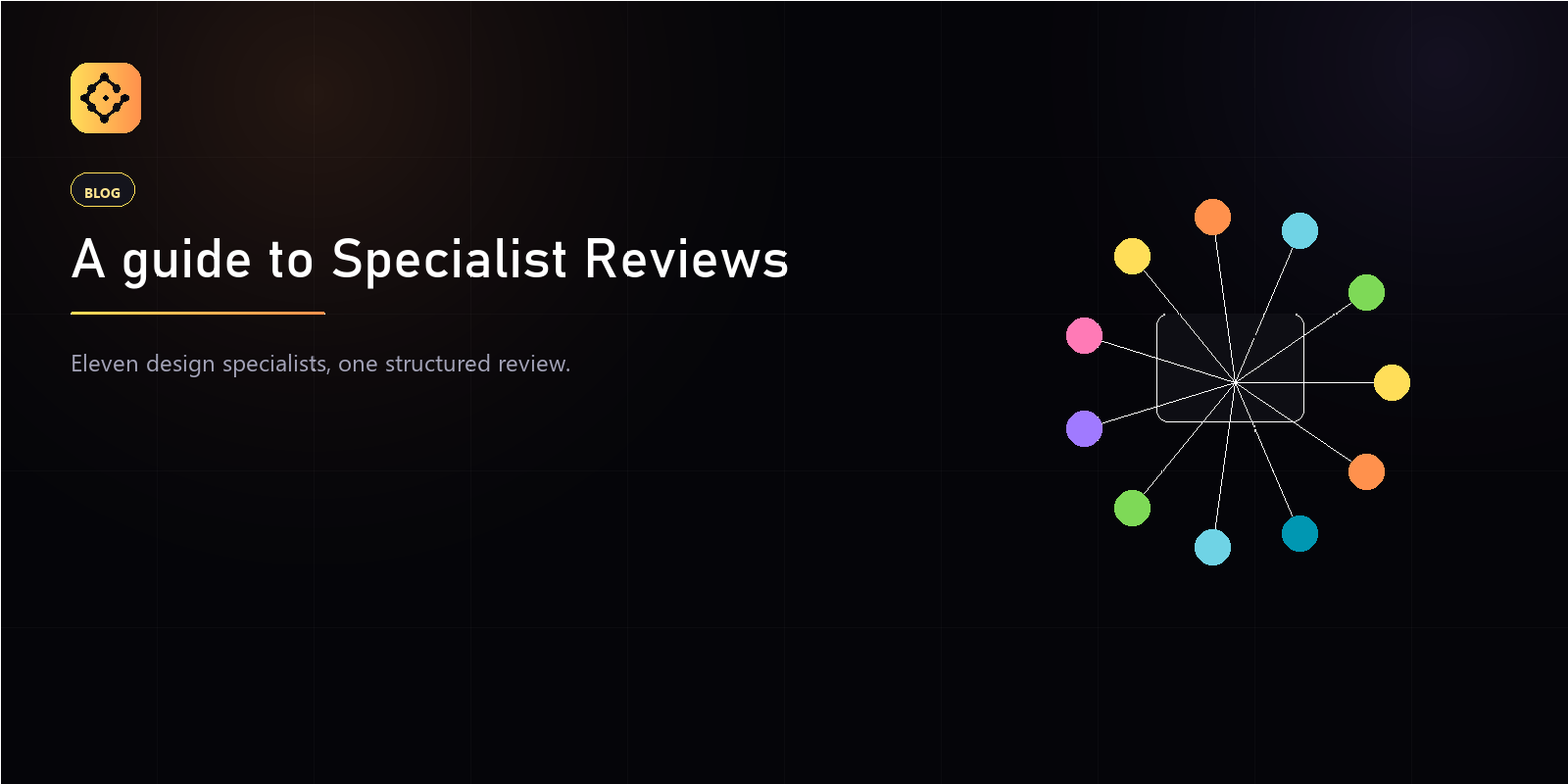
Specialist Reviews put your draft in front of eleven design roles — Game Designer, Level Designer, Narrative Designer, UI Designer, UX Designer, QA Tester, Producer, Technical Artist, Game Programmer, Audio Engineer, and 2D / 3D Artist.
- Open a document and start a new review.
- Pick the specialists whose lens matters for this doc. You do not have to run all eleven.
- Each standard review costs 100 credits per specialist. Three specialists is 300 credits — one month of the Solo plan.
The output is not a rewrite. It is a structured set of findings — the gaps, contradictions, and edge cases each role would flag — for you to act on. You stay the author.
Where do you go next?
Once you are comfortable, branch a doc to prototype a risky change, open a merge request to ship it, or use smart import to turn an existing GDD into a structured set of documents. Each of those has its own walkthrough on this blog.