Branching design docs without breaking the team
How to use Gameframe branches to prototype mechanics, run balance experiments, and explore narrative variants without losing the canonical document.
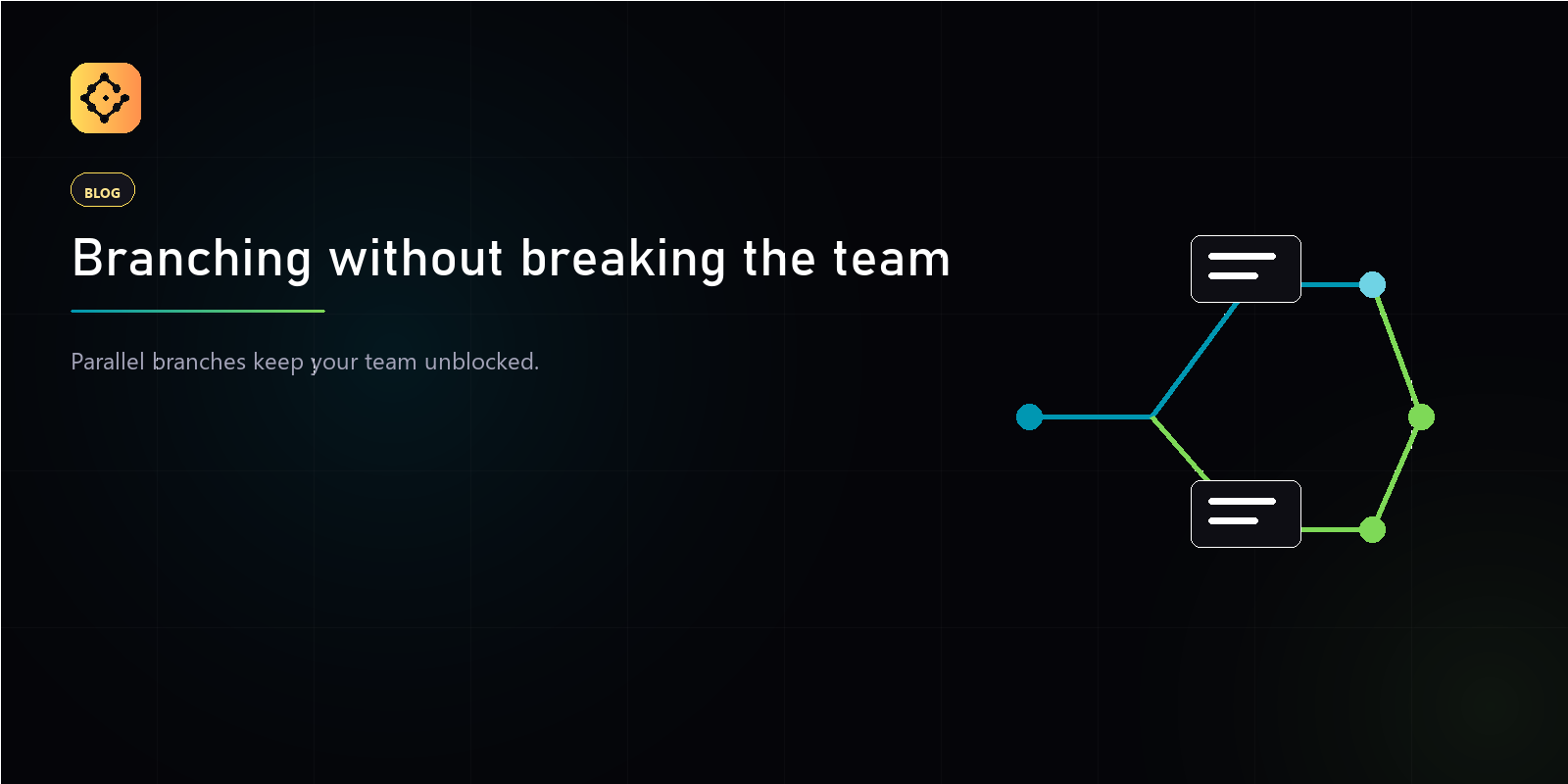
A branch in Gameframe is a named pointer at a version, not a copy of the document. Spinning up a branch is cheap. Merging a branch records the change in the activity log; abandoning a branch costs nothing.
The pattern we use internally:
- Open a branch for any speculative change — a balance pass, a new mechanic, a narrative arc you are not sure ships.
- Keep the canonical branch stable. Reviewers compare your branch against canonical, not against a moving target.
- Merge when the team decides. Reverting a merged change creates a new version on top of the current head — never a sideways pointer.
Branches do not slow you down. They are the thing that lets you move fast without breaking the canonical document.